Experiment 02
Data Preprocessing in WEKA
Aim
To perform data preprocessing in weka using WEKA tool.
Procedure
Step 1: Open Weka
- Launch WEKA GUI Chooser.
- Click on "Explorer" to open the main interface.
Example File : weather.arff
This is a small dataset about weather conditions and whether to play tennis.
Step 2: Load a Dataset
- Click "Open file" in the Preprocess tab.
- Navigate to:
C:\Program Files\Weka-X.X\data\weather.arff(or wherever WEKA is installed). - Select and open weather.arff.
Step 3: Understand the Dataset
- Once loaded, you can see:
- Attributes (e.g., Outlook, Temperature, Humidity, Windy, Play)
- Instances (e.g., 14 rows)
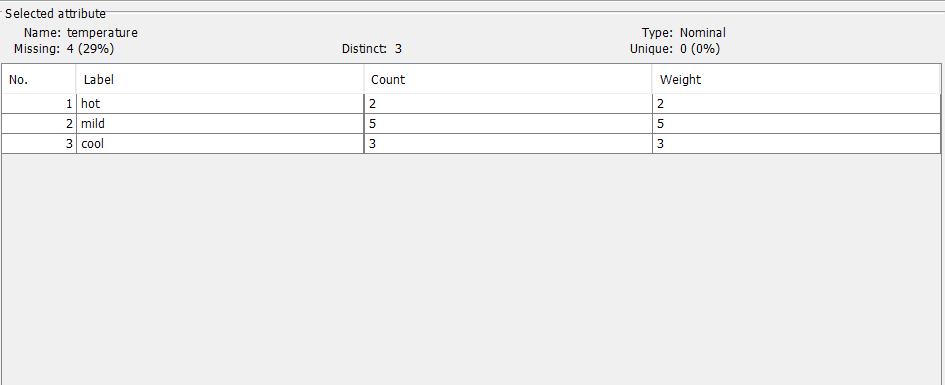
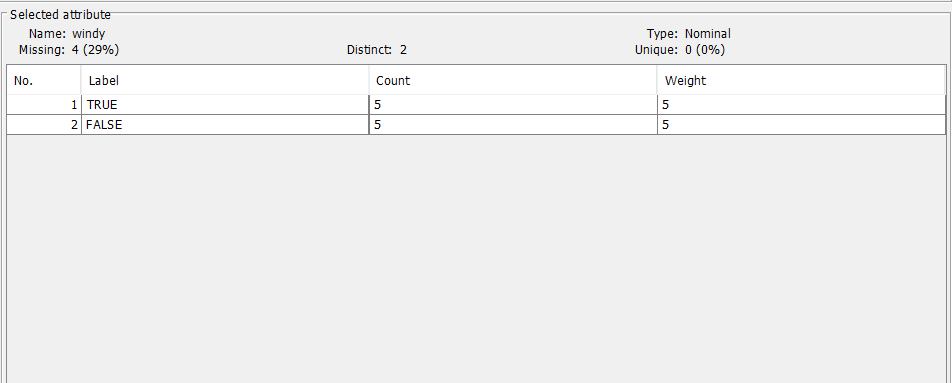
- Click on any attribute to see its value distribution.
Step 4: Remove Unwanted Attributes
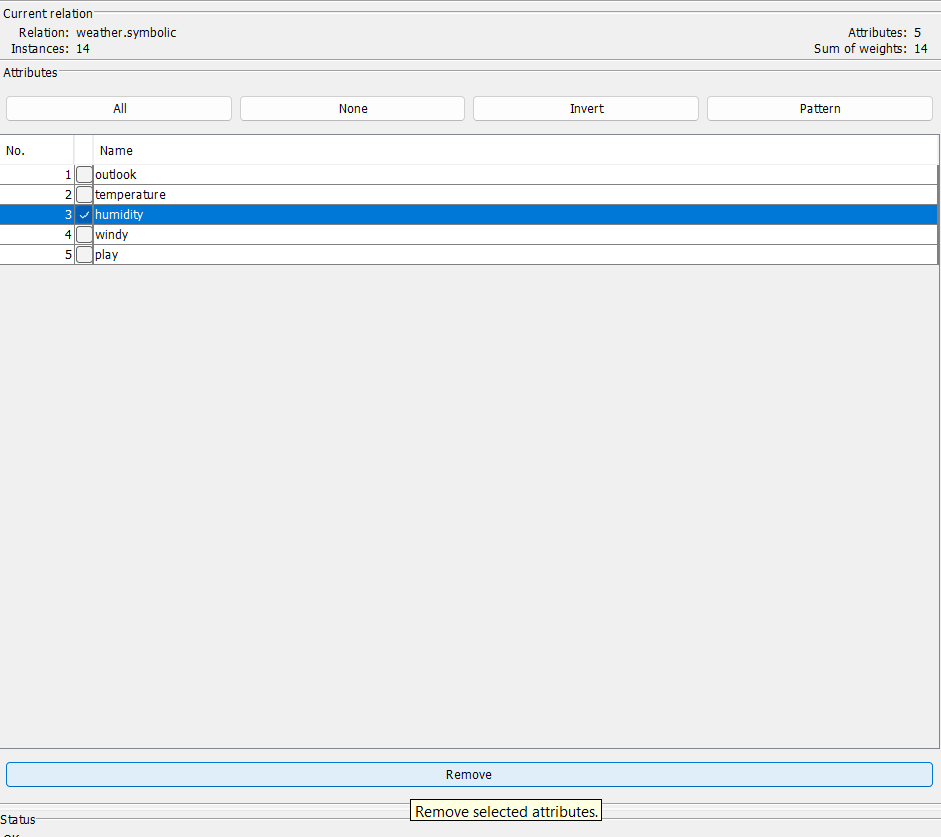
- Select the attribute (e.g., "humidity").
- Click Remove if you don't want to include it in your analysis.
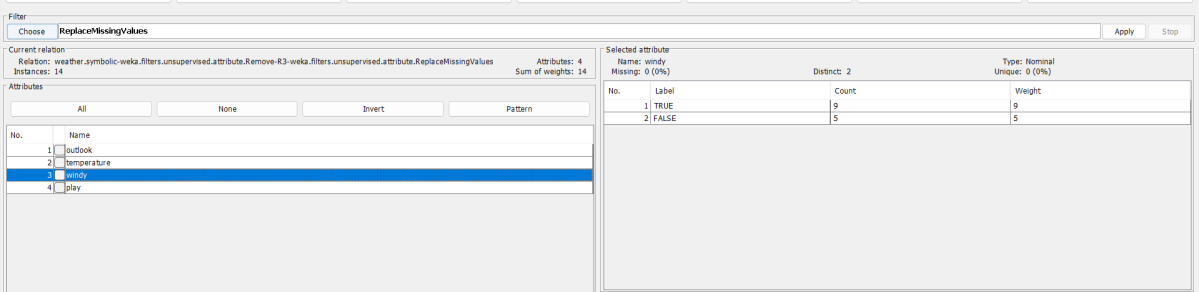
Step 5: Handle Missing Values
- If your dataset has missing values:
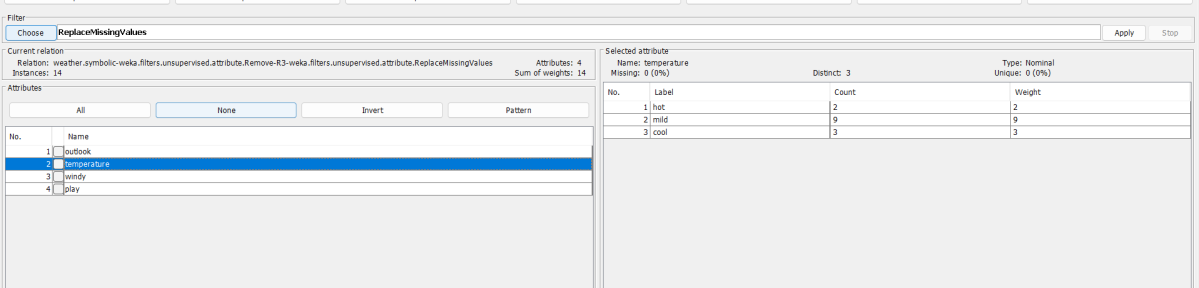
- Click "Choose" under the Filter section.
- Go to: filters > unsupervised > attribute > ReplaceMissingValues
- Click Apply to replace all missing values.
Step 6: Normalize or Standardize Data (if needed)
- For numeric data:
- Use Normalize or Standardize filters:
- filters > unsupervised > attribute > Normalize
- filters > unsupervised > attribute > Standardize
- Click Apply.
- Use Normalize or Standardize filters:
Step 7: Convert Nominal to Numeric (if required)
- Some classifiers (like Neural Networks) require numeric input.
- Use: filters > unsupervised > attribute > NominalToBinary or NominalToNumeric
Step 8: Discretization (convert numeric to nominal)
- Useful for algorithms like ID3.
- Use: filters > unsupervised > attribute > Discretize
Step 9: Save the Preprocessed Data
- Click Save to export the modified dataset.
- Choose format: .arff or .csv
Example Summary (weather.arff)
- Remove attribute: Humidity
- Apply filter: ReplaceMissingValues
- Normalize temperature
- Save as: weather_processed.arff
Notes
- Filters can be unsupervised (independent of class) or supervised (depend on class attribute).
- Always analyze attributes visually to detect issues (e.g., outliers, missing values).
Output
Result
The experiment was successfully executed, and the expected output was obtained using WEKA.