Experiment 14
Disease Prediction Using WEKA (Logistic Regression)
Aim
To understand and implement disease prediction using logistic regression in weka using WEKA data mining tool.
Procedure
Using Logistic Regression in WEKA for disease prediction is a common and practical approach. Logistic Regression is a classification algorithm that models the probability of a class (e.g., "Disease" vs. "No Disease") given a set of input features (like age, blood pressure, glucose, etc.).
Prepare Your Dataset
- Format: .arff (preferred) or .csv.
- Example attributes:
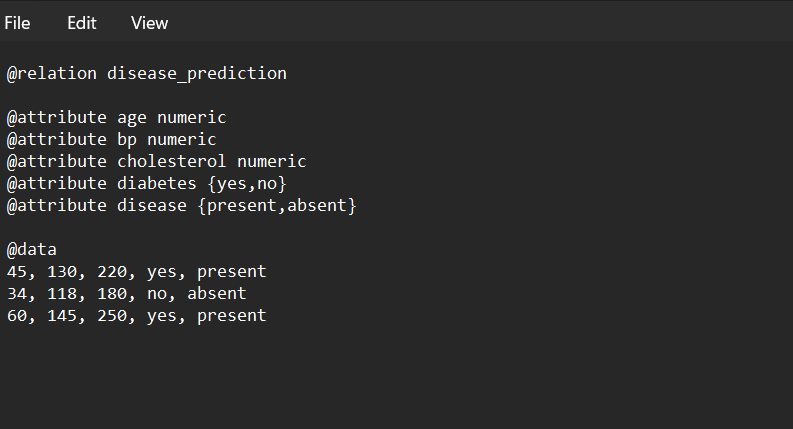
@relation disease_prediction

@attribute age numeric
@attribute bp numeric
@attribute cholesterol numeric
@attribute diabetes {yes,no}
@attribute disease {present,absent}

@data
45, 130, 220, yes, present
34, 118, 180, no, absent
60, 145, 250, yes, present
...
- The class attribute should be the target (e.g., disease).
Open WEKA Explorer → Preprocess Tab
- Load your dataset.
- Ensure that the last attribute (disease) is set as the class attribute.
Go to the Classify Tab
- Under Classifier → Choose, select: functions → Logistic
Set Evaluation Mode
- Use training set → Trains and tests on the same dataset (not recommended for real use).
- Cross-validation (default: 10-fold) → Best for evaluating prediction accuracy.
- Percentage split (e.g., 70% train, 30% test) → If you want separate test evaluation.
Run the Model → Click Start
Output
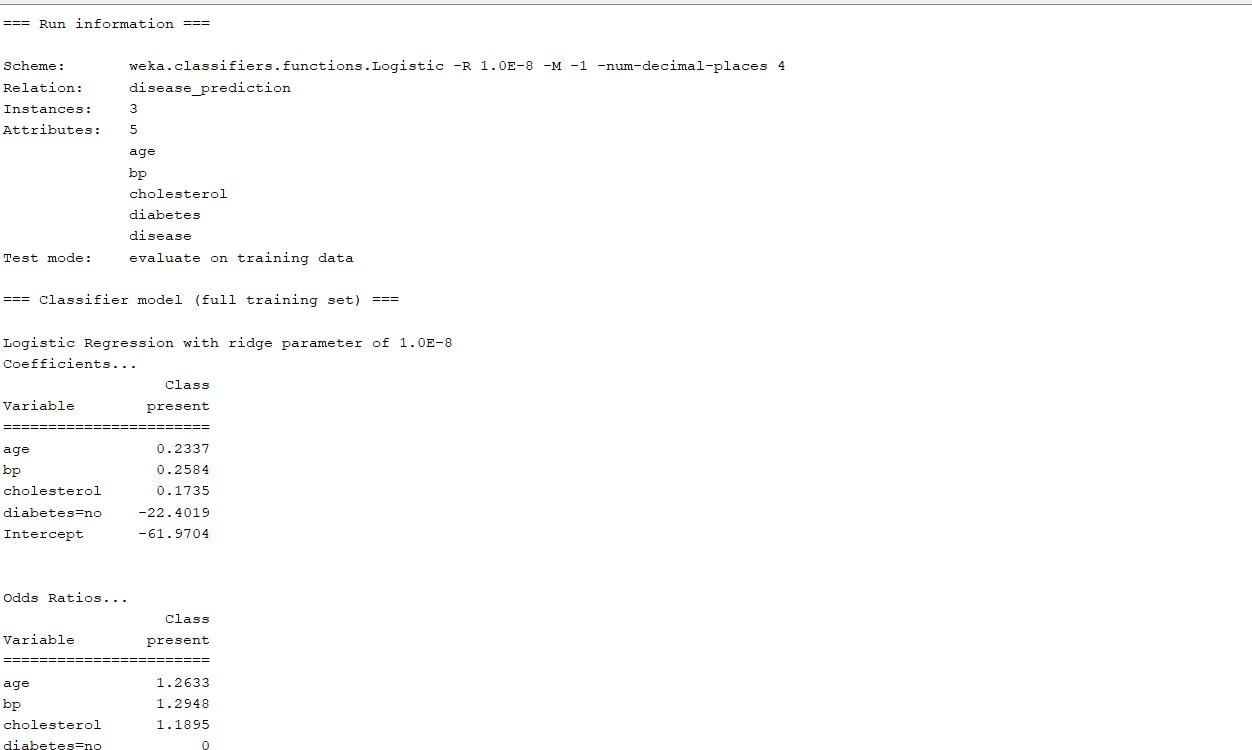
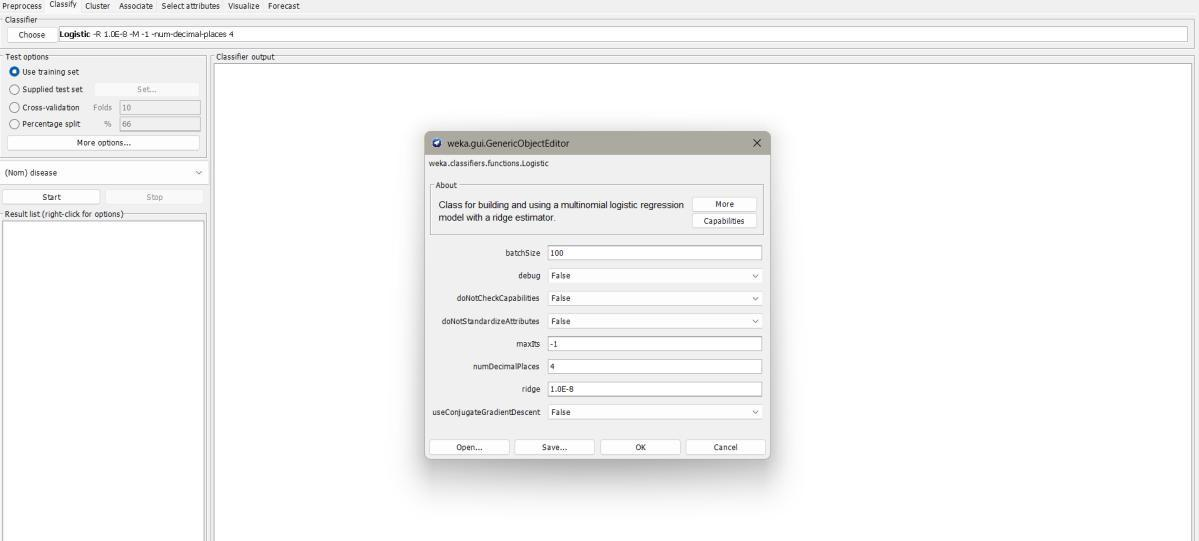
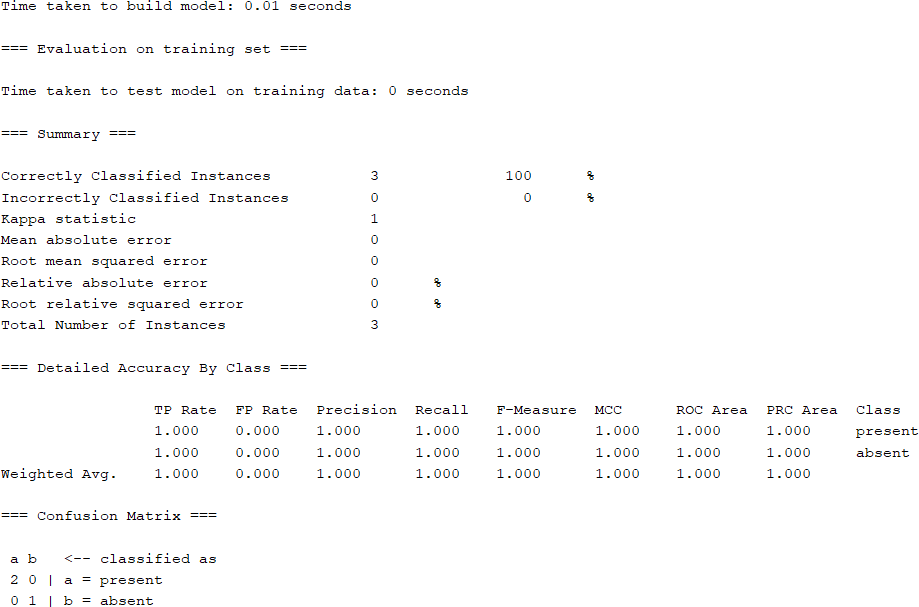
Result
The experiment was successfully executed, and the expected output was obtained using WEKA.